How to use the Mini Keychain Digital Camera

Transcript
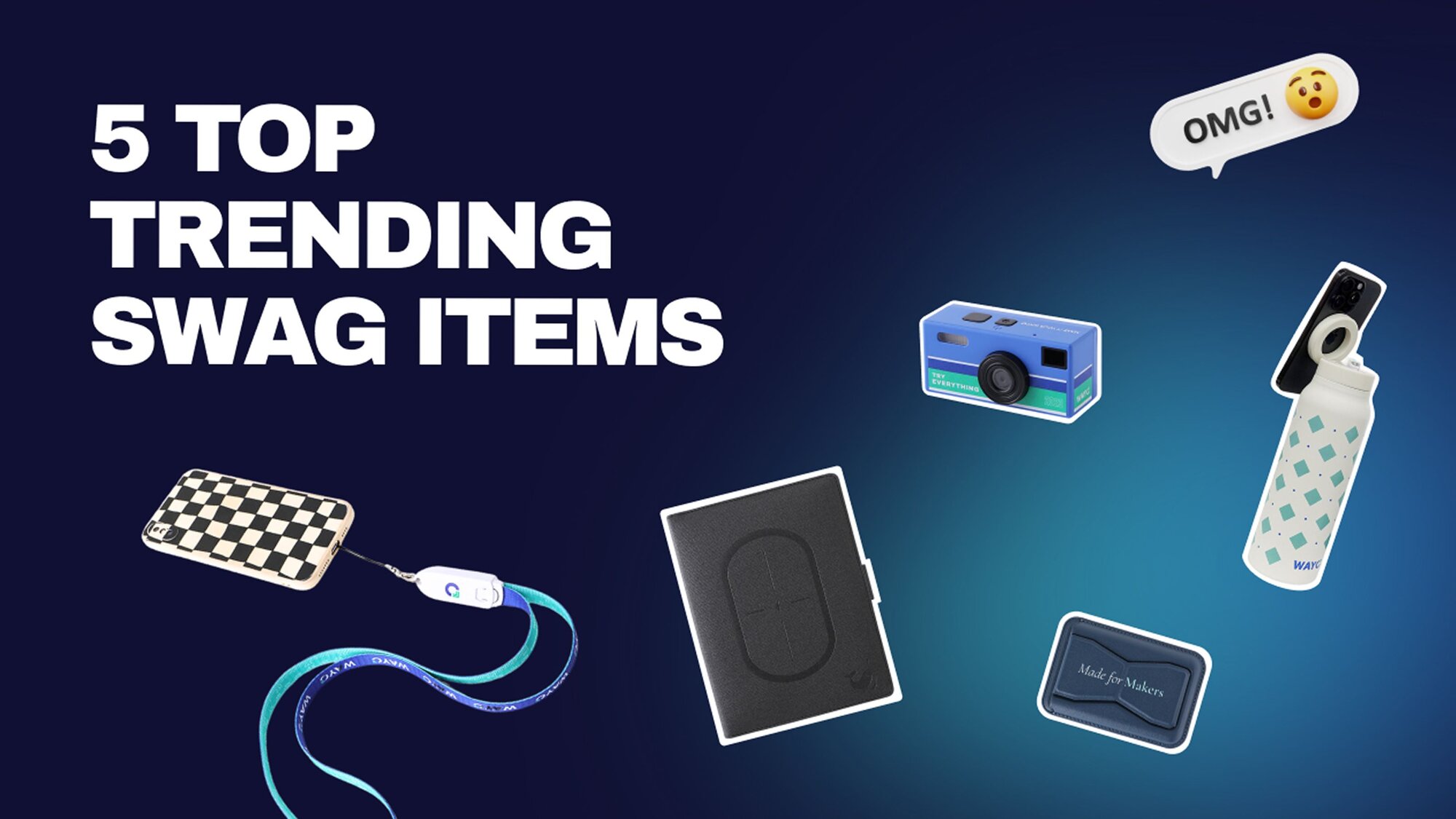
We recreated the TikTok viral Kodak camera – this mini camera keychain – and now you can customize it on all three sides with your branding.
And yes, it actually works. It takes real photos and videos, making it one of our top trending unique swag items for gifting, events, and brand activations.
This is how to use it.
All photos and videos are stored on the included microSD card. Insert it with the chip side facing outward and push it until it clicks.
Use the included USB-C cable to charge the camera and transfer your files directly to a computer.
To turn the camera on, long-press the power button for a few seconds.
The camera starts in photo mode by default. Just press the shutter button to take a picture.
To record videos, press the mode button once when you're in photo mode to switch to video mode.
Then press the shutter button to start recording and press it again to stop.
Double-press the up button to turn the flash on or off.
Press the down button to cycle through the nine built-in filters.
Press the mode button again to open your gallery and review your photos and videos. To delete photos, press the power button and use the up, down, and shutter button to perform the action.
Press the mode button again to exit and go back to photo mode.
If your photo timestamps are incorrect, press the power button to enter settings. On page three, you'll find the time setting.
You can enter the page by pressing the shutter button. Then, set the correct time. To exit settings, short-press the power button once.
When you're done, long-press the power button to turn it off.
That's it. Enjoy your mini camera.
Featured products

Make merch that stands out
Create better merch at factory-direct prices, delivered anywhere in the world, with low minimums starting at 10-100 units.